
Quote Library
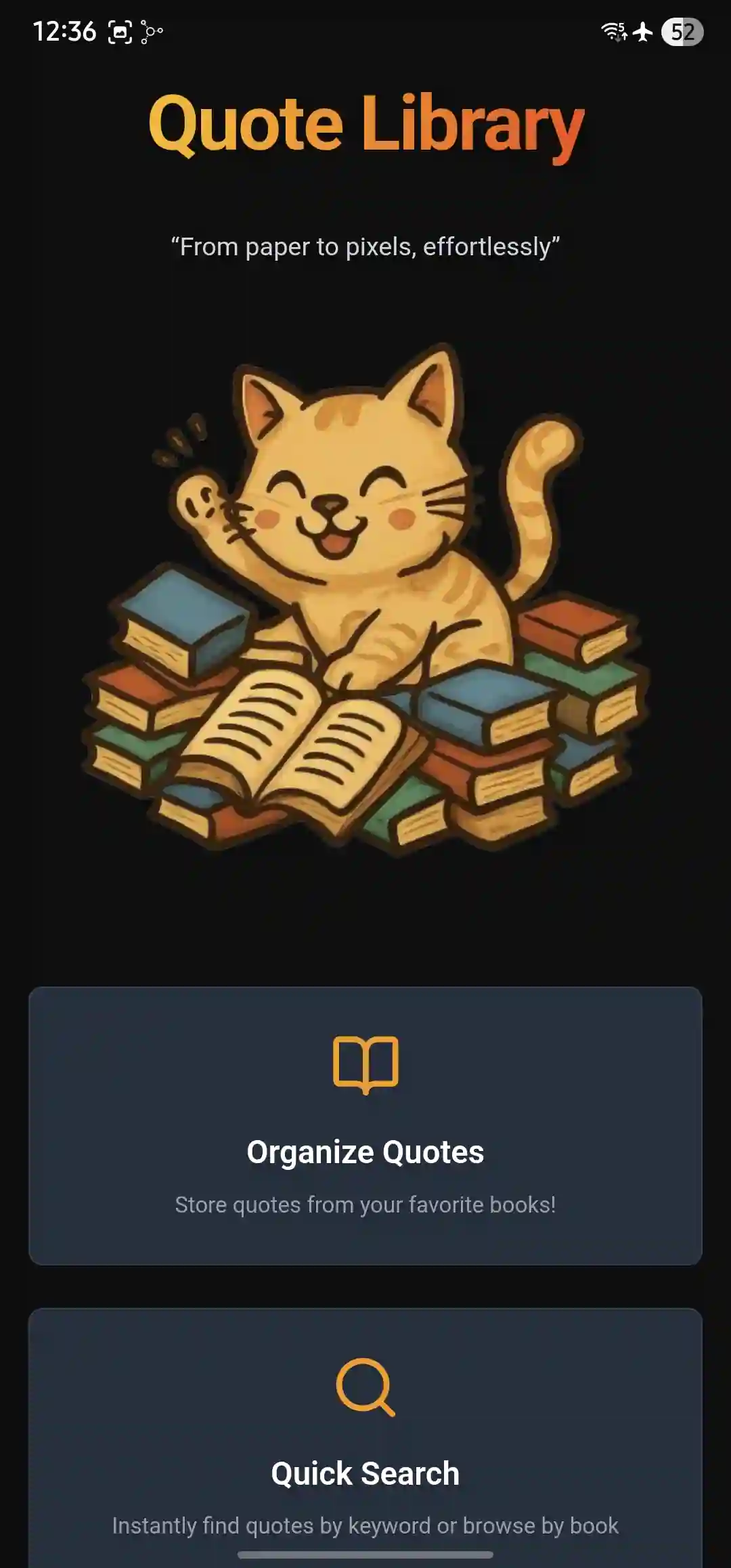
Save, organize, and easily revisit the quotes that once inspired you. Access them anywhere, and rediscover the wisdom you once thought worthy enough to highlight.
 Download on Google Play Learn more ↓
Core Features
Multiple accounts
One app, multiple users! Perfect if you share the same device with your family.
Book collections
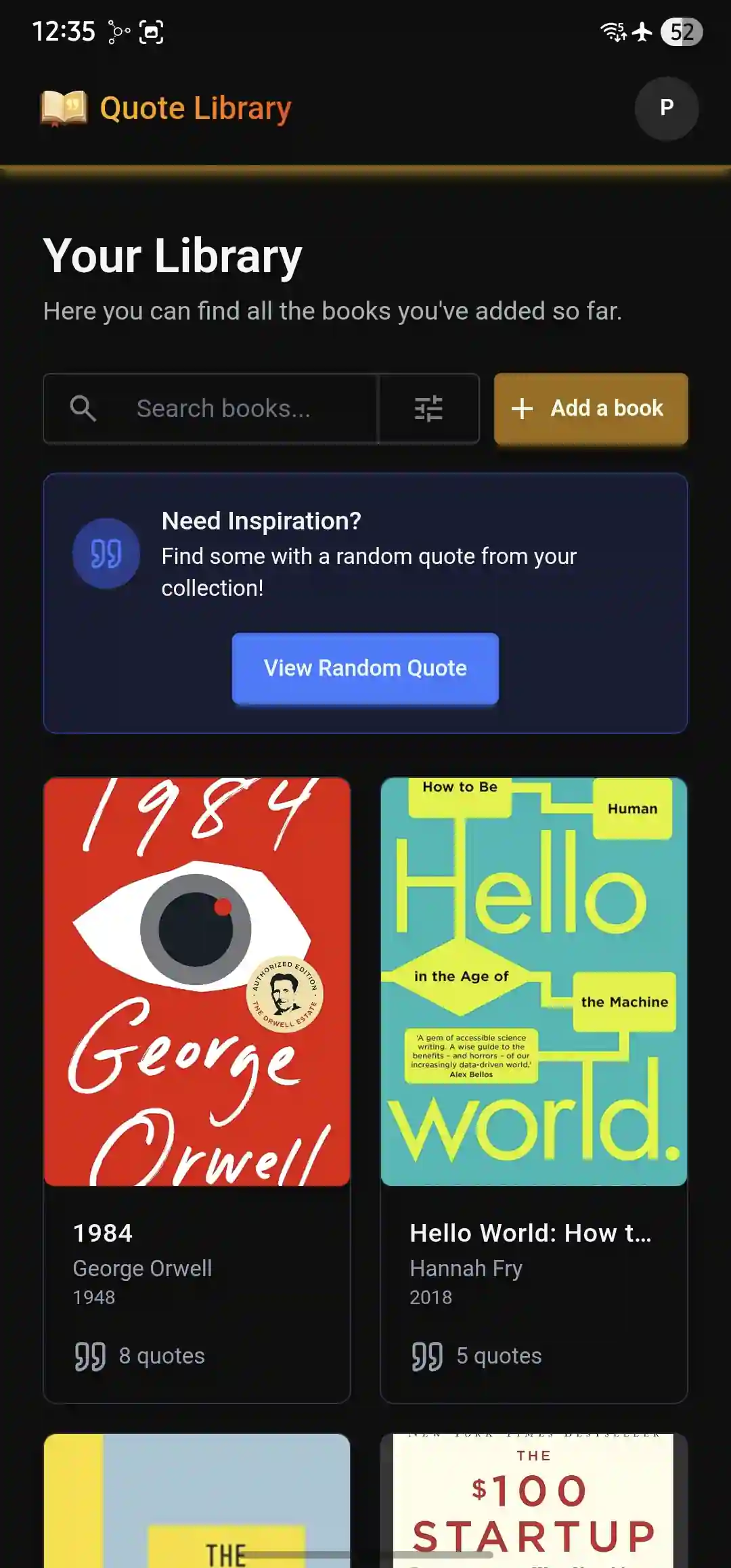
Manage your books in your own personal library
Save your favorite quotes
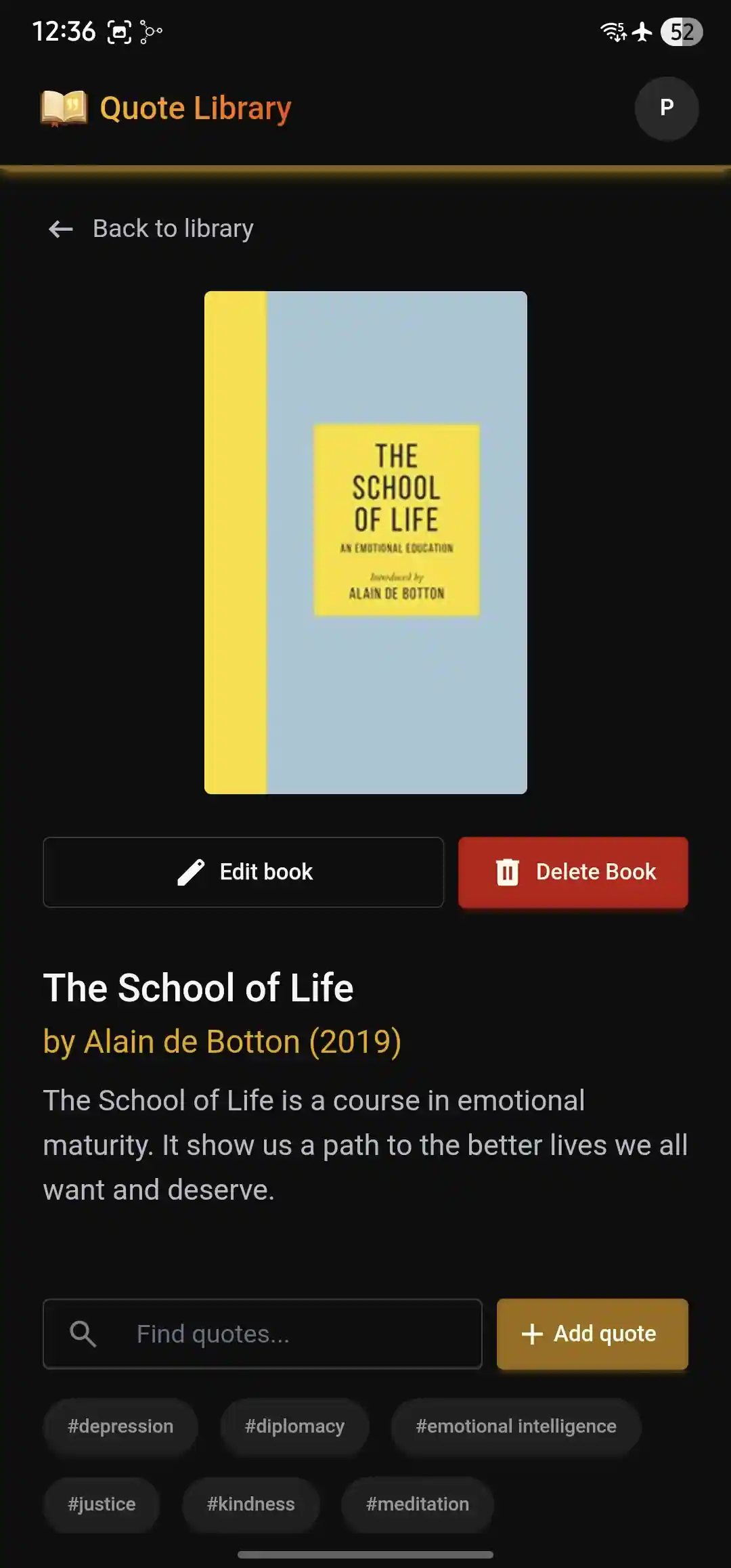
Easily add & manage your favorite quotes from any book
Tag filtering
Organize quotes with custom tags for easy discovery & filtering
Random quote
Get inspired with a random quote you added in the past!
Fully offline
Works fully offline — yes, even in airplane mode!
See It In Action
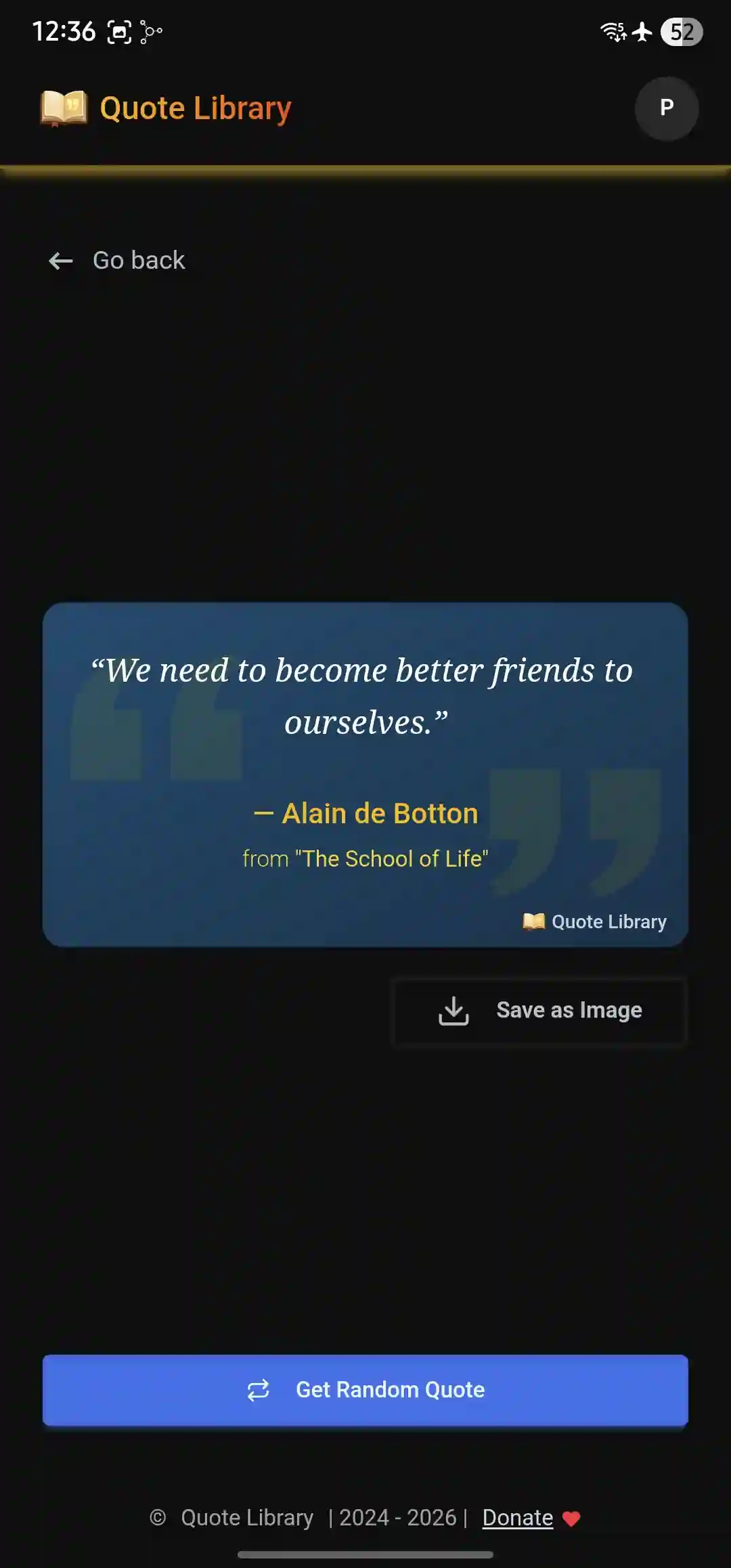
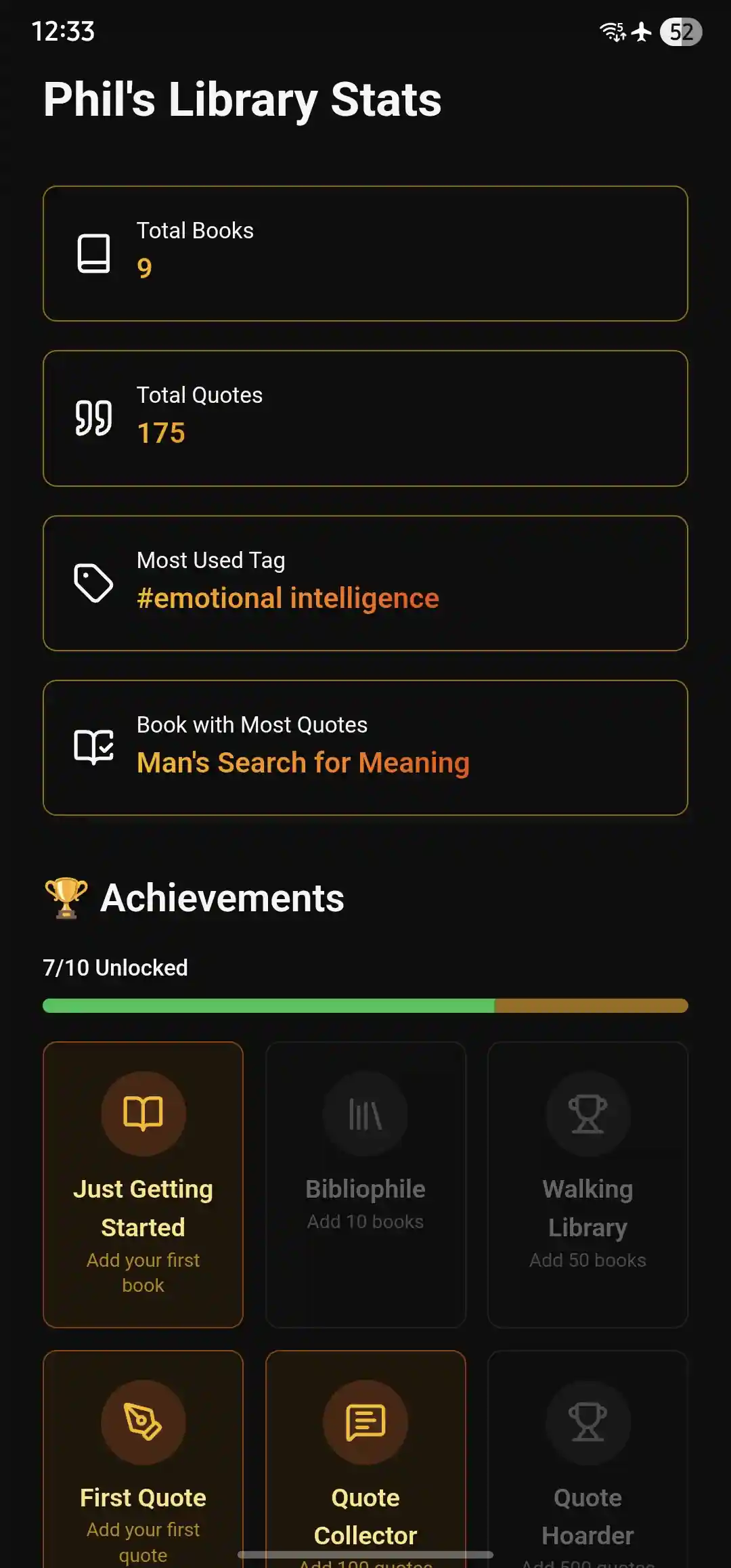
Start Using Quote Library Today
You can install Quote Library for free on Google Play. No ads, catches nor doomscrolling, promise!
Download on Google PlaySupport Quote Library's Development!
Quote Library relies solely on donations to tackle development costs, keep it up updated and secure while making sure it is as bug free as possible.
If you find value in it, consider supporting its development with a donation.
 Donate on Ko-fi
Frequently Asked Questions
Is it really free, or is my data being processed to oblivion and sold to countless partners?
Quote Library is 100% free with, no ads and no data collection. All your data stays on your device, period.
It does not process your data, feeds it to data hungry LLMs nor tracks any of your usage. Isn't it great when software just respects your privacy and doesn't spy on you? 🧘
What does it mean that Quote Library is an 'offline first' app?
Being an offline first app means that Quote Library continues to work regardless of device internet connectivity. This means you're able to use it to the fullest whether you're accessing it from a plane, with airplane more turned on, or in places where internet connection is intermittent such as a train or traveling through isolated places in the middle of nowhere 🌴. Your data is fully stored on your device.
This means that in case you lose access to your device, you will also lose access to all the data saved in Quote Library. That is, unless you have a backup of your data stored on your computer or cloud storage that you can then restore from another device.
How often should I backup my data?
It depends on your use case, but you cannot go wrong with once a month or after you add a lot of content.
To do so, go to Settings → Data Management → Export Backup to save your quotes to your device.
You can then store that file on your computer or cloud storage, and import it from the signup/login screens whenever you want to restore your collection.
Is a version for iOS planned at some point?
Although technically possible, it is unlikely since I don't currently own a Mac, which is required to build for iOS.
If you'd like to see Quote Library become a reality in iOS, you can: reach out and voice your interest, or consider contributing to the project.